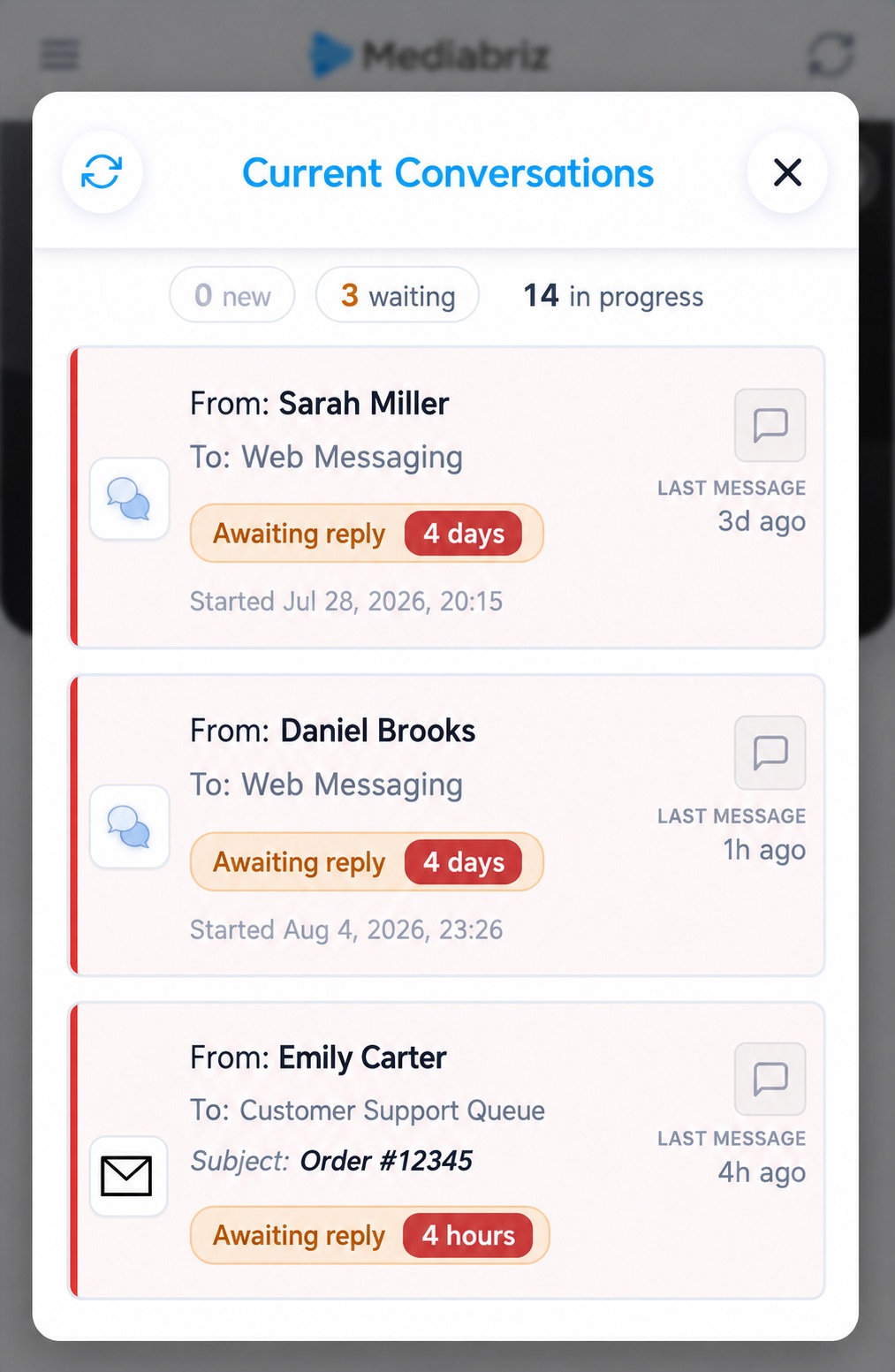
Always know which conversation to work on next
While you work, Mediabriz keeps the customer waiting longest for a reply in view, so the next conversation to handle is on screen, not buried in another list.
Your live conversations list already helps you see who is waiting. The next step was making sure that answer stays visible while you’re deep in a conversation, not only when you open the list.
Your next conversation, always in view
While Mediabriz is open, a compact bar at the bottom names the customer waiting longest for a reply, with how long they’ve been waiting. You keep working messages or files, and the next conversation to work on stays on screen.

When you’re already on it
If that conversation is the one you already have open, Mediabriz says so. Having it open isn’t the same as having answered it, so the wait still shows.
One click to the full list
Click to open your live conversations for the full view: who is waiting, who has new messages, and who is already in progress. When nobody is waiting, you’ll see that too: the outcome this guidance is there to help you reach.