Conversation Actions now reads images and PDFs too
A photo of a handwritten list, a product shot, a PDF of a purchase order: the agent picks the files that matter, and the AI reads them together with the messages to build the draft.
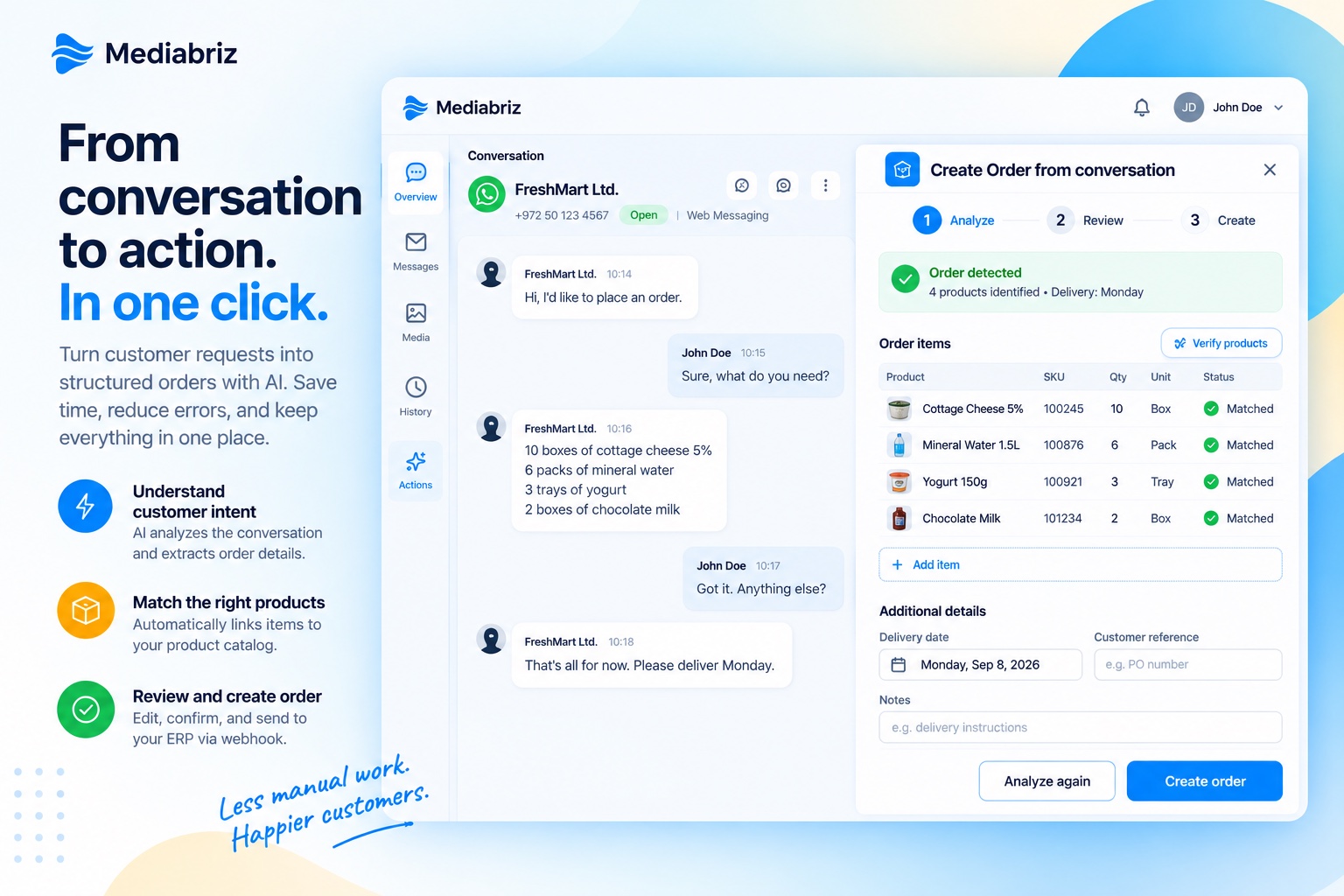
Customers do not always type their request. A photo of a handwritten order list, a picture of the product they want more of, a PDF of a purchase order or a catalog page: until now, Conversation Actions read the messages and the agent filled in what the files said. Starting today, the AI reads the images and PDFs as well.
The agent chooses what the AI sees
When a conversation contains images or PDFs, the agent picks which ones to include before running the analysis. Nothing is analyzed unless the agent selects it. The chosen files go into the same analysis as the messages, so a list scribbled on paper, a PDF attachment, and a “make that three” typed underneath it end up in one draft, with the same review-and-approve flow as before.
One analysis, one charge
Including images or PDFs does not change what you pay. The billed unit stays one AI analysis; there is no separate charge per file. The number of images and PDFs an agent can include in a single analysis is limited per organization: Mediabriz configures the limit, and this analysis can be turned off for an organization on request. Pricing for the Actions add-on is on the pricing page.
Where the files go, and where they do not
Images and PDFs are processed in the same region as your organization’s data, US or EU, and only for the moment of the analysis. Mediabriz does not store them, and the AI service does not retain them or use them to train models. The Data Processing Agreement and Privacy Policy describe this processing.
When Mediabriz Guard is enabled, only images and PDFs that passed Guard’s security check can be selected for analysis.
Visible in the review, counted in Insights
In the review screen, each selected image or PDF that was read is marked, and the header shows how many files were included, so the agent knows exactly what the draft was built from. In Mediabriz Insights, the Analyses tile now shows the number of images and PDFs analyzed alongside the analyses themselves.
In any language
The AI reads the conversation in whatever language your customers write in, and the same goes for the files: a handwritten list in Hebrew, a Polish product label, or a Portuguese PDF are read as they are. There is no list of supported content languages to check against.
Getting started
Image and PDF analysis is available now for organizations using Conversation Actions. If your customers send photos or PDFs of what they need and you are not using Actions yet, contact us and we will help you set it up.