Know who you're helping before you dig in
Conversations now open with a clear picture of the customer, channel, and queue, and Mediabriz can show when that customer has written before, across channels.
Opening a conversation used to drop you straight into files or messages. Useful, but not always the first question you need answered. Who is this? Which channel? Have they written before? Is anything flagged?
Start with the full picture
A live conversation now opens with a clear overview: the customer’s name and address, the channel they’re on, how long you’ve been handling it, the queue they came from, and clear ways into Messages and Media. If Guard has flagged a file, that shows up here too, before you dig deeper.
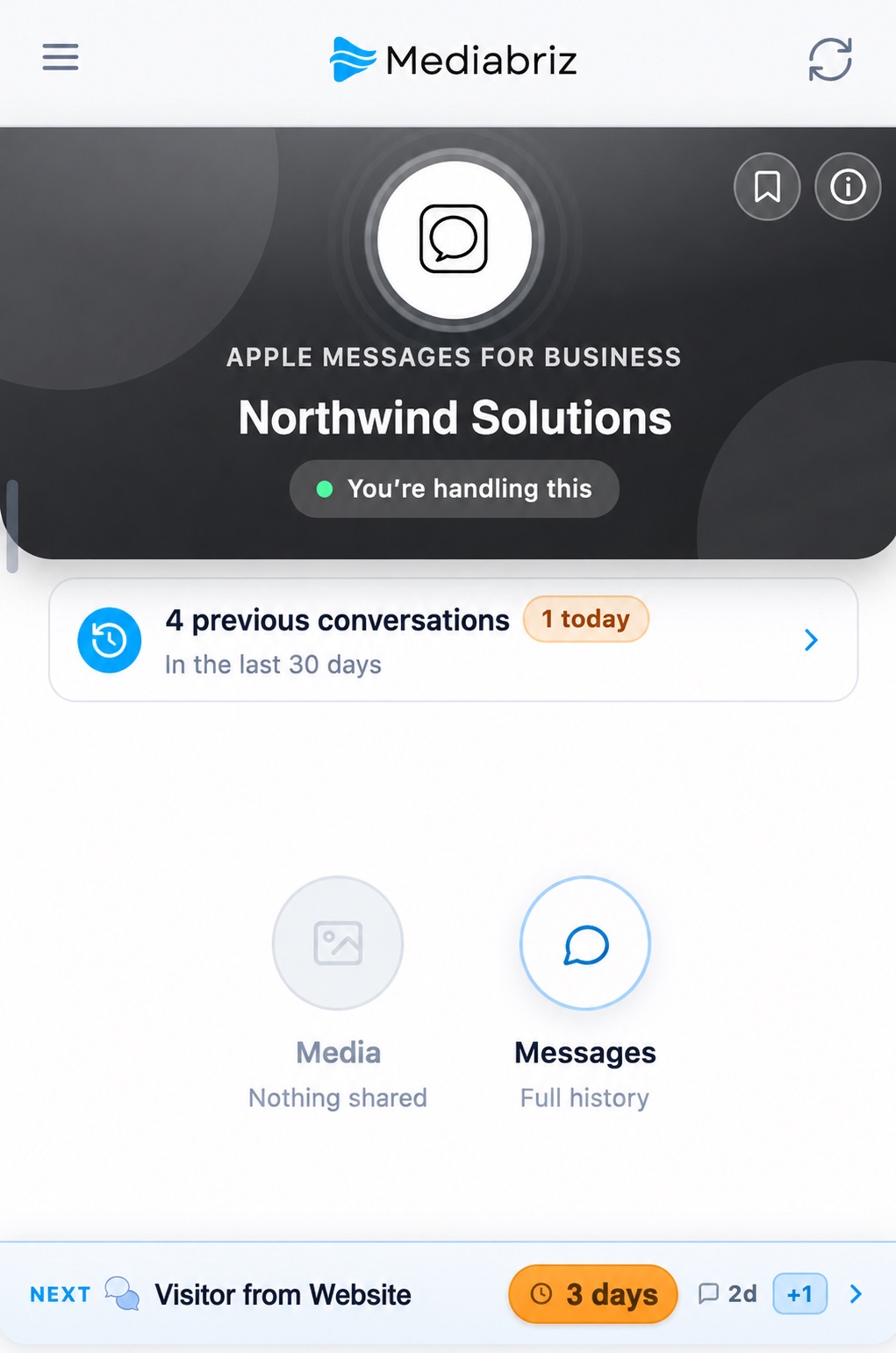
Know when a customer is returning
Genesys starts a new conversation every time someone comes back. Mediabriz now tells you when that person has written before, with a short list of previous conversations from the last 30 days, including a callout when something happened today.
Across channels, when it matters
Where the same person can be matched (for example by phone number), previous conversations can span messaging, email, and even calls (calls are listed for context; digital threads remain openable in Mediabriz). So a WhatsApp chat can surface that the same customer emailed earlier in the week, instead of treating every channel as a stranger.
Built for the moment you arrive
The overview is meant to be read at a glance. From there, Messages and Media are one click away, with a clear way back, so you never lose the “who am I talking to?” answer while you work the details.