Peek the last conversation without leaving this one
When a customer has written before, you can now see the latest messages from their last digital conversation right on the overview.
Genesys starts a new conversation every time a customer comes back. Mediabriz already tells you they have written before. The next question is what they said last time, and whether you need to open that older thread to find out.
A quick peek, in place
On the conversation overview, when the last contact was messaging or email, a Last conversation row sits under their recent interactions. One click expands the latest messages right there, newest first, so you can read what already happened without leaving the conversation in front of you.
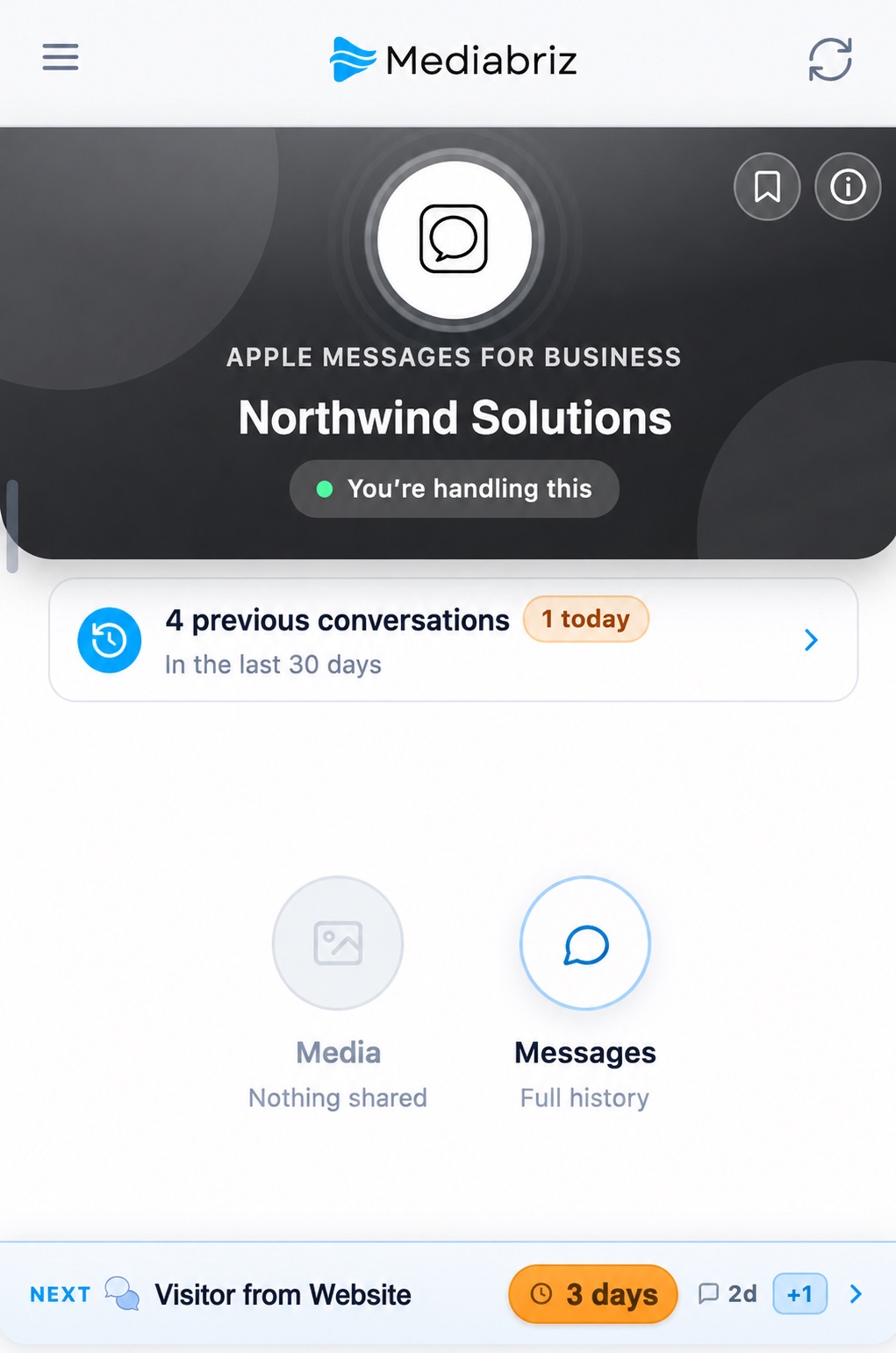
You will also see who last handled that thread: you, a colleague, or a bot. That is often enough to know whether you are picking up an unanswered outreach, a finished exchange, or a handoff.
Stay on this conversation
The peek is a glance, not a second workspace. You keep the current customer, channel, and queue in view. If you need the full thread or the files from last time, Open conversation is right there. Click the messages again to close the peek.
If the most recent contact was a call, it still appears in their history. The peek is for messaging and email, where the last words are what change how you reply.
Built for the moment you arrive
This sits with the same overview that already answers who you are helping and whether they have written before. Now you can also see what they said last time, in a few seconds, before you dig into messages or files.